

UPDATE - Since publishing this post, I have also added a Palo Alto style CV to the site. I will update the post with more details on that later.
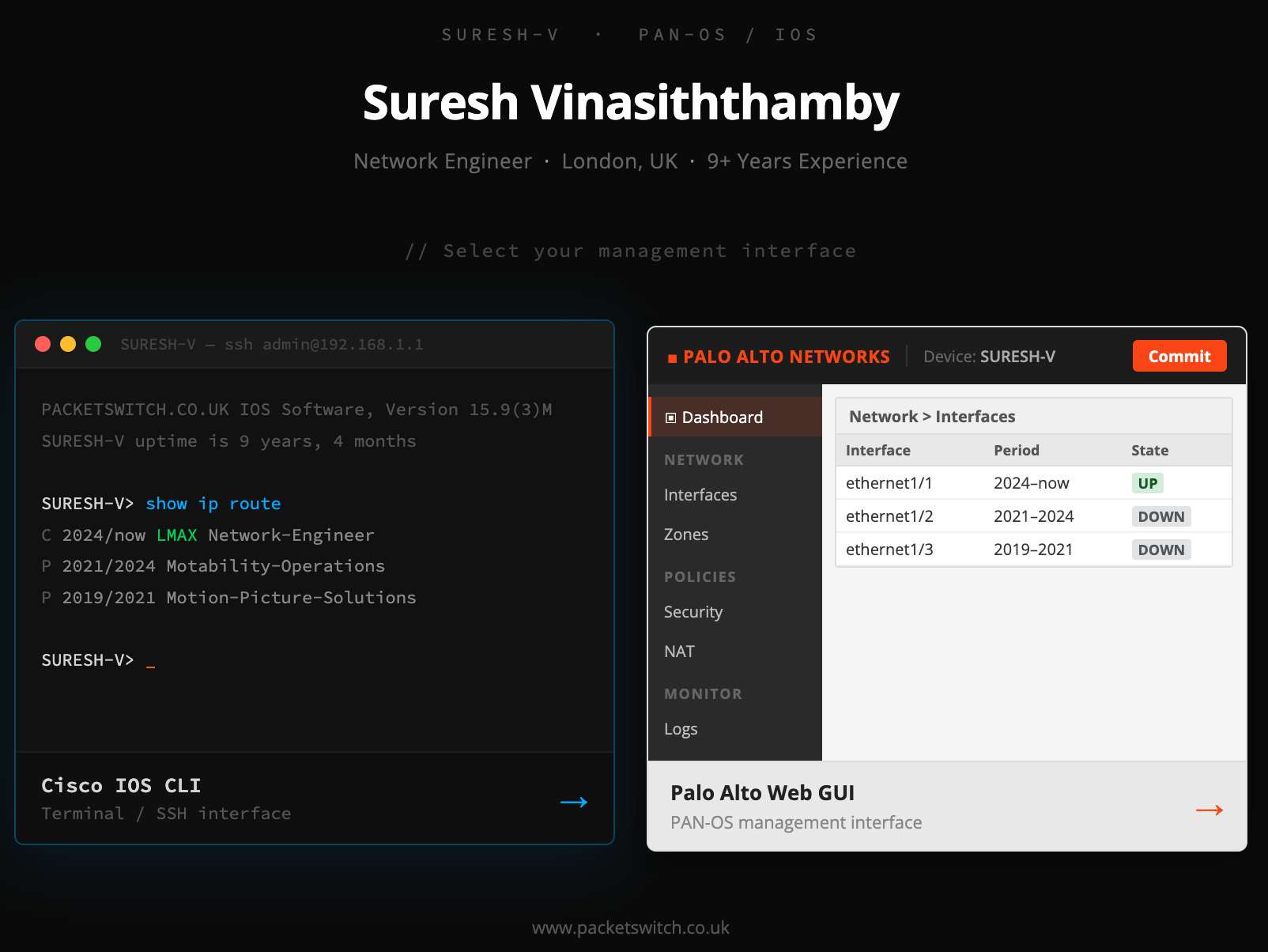
If you do not have the patience to read the rest of this post, here is the site. Type enable and then run any of the usual commands like show version, show ip interface brief, or show ip route to browse through the CV. It is still early days, but I am hoping to make some improvements over time. If you like it, give me a clap on the right.
Overview
I have been thinking about doing this for a long time, but I always assumed it would be a difficult task. I was wrong. I think I had it up and running in about an hour. The idea is that a site that looks and feels like a CLI, where you can run the usual show commands and get output, except the output is my CV.
I have no web development experience, so I used Claude for the entire thing. I started by giving Claude a prompt explaining what I wanted, and asked it to generate a markdown file with all the instructions. The reason I did this first is that Claude Code works much better when you give it a clear, structured input to work from rather than just describing everything in one go. Once I had the markdown file, I passed it to Claude Code and asked it to build the site around it.
I already had my CV in Google Docs, so I downloaded it as a markdown file and passed it directly to Claude Code along with my prompt. That made things even easier since I did not have to type anything out from scratch.
Claude Code Nailed It
And that was pretty much it. Claude Code took the markdown file and built the entire thing in one shot. I did not have to go back and forth or fix anything major. For someone with zero web development experience, that was honestly impressive. The fact that I could go from an idea to a working site in about an hour, without writing a single line of code myself, says a lot about where these tools are right now.
Cloudflare Pages
It generated a single HTML file, and when I opened it in my local browser, it just worked. But I wanted to share it with everyone, so I used Cloudflare Pages to host it. Cloudflare Pages is a free hosting platform that lets you deploy static sites in minutes. I already had a free Cloudflare account, so I just uploaded the HTML file, and within a few minutes, it was live. I also had my domain registered with Cloudflare, so adding a custom subdomain and pointing it to cv.packetswitch.co.uk took no time at all.
Of course, uploading the file manually every time I make a change is not ideal. The better approach is to link a Git repository to Cloudflare Pages. That way, every time I push a change to the repo, Cloudflare automatically picks it up and deploys the updated site. I have not set that up yet, but it is on the list.
Sample Prompt
Here is a sample prompt to give you an idea of how to get started. This is not the exact prompt I used, but it should point you in the right direction.