

Even though UniFi released the UTR (UniFi Travel Router) a while back, I've been researching it and trying to find a use case for myself. Fast forward to today, and even though I still don't have a clear use case for it, I bought it purely based on vibes.
It was out of stock pretty much all the time in the UK store, and even when it came back in stock, it would sell out within minutes. I happened to be checking their site one day and noticed it was available, so I ordered it right away. It costs £90 including delivery.
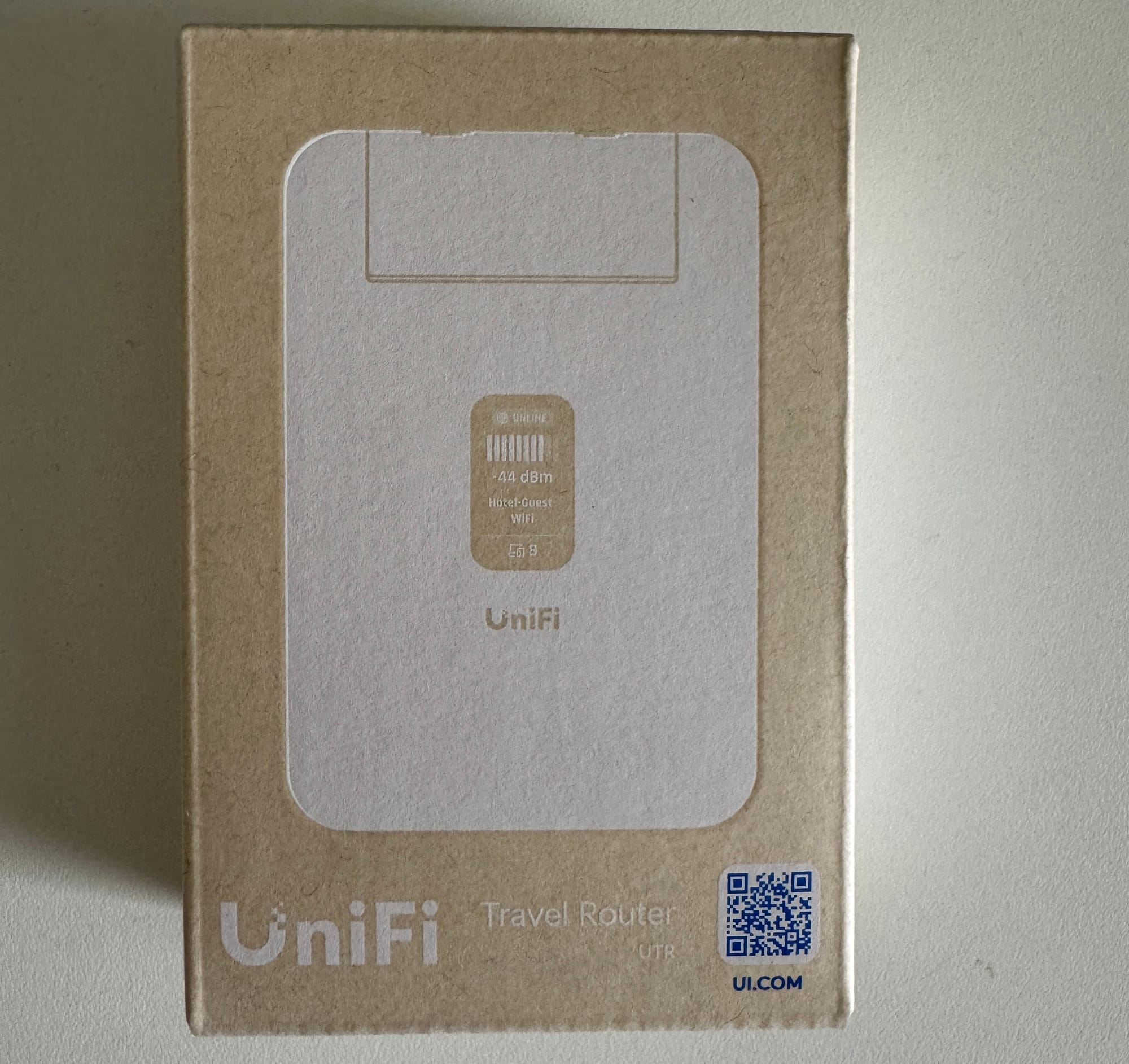
So, what is it?
The UTR is a small (like very tiny), portable router that you can take anywhere with you. It fits in your pocket. It supports both 2.4GHz and 5GHz bands and can connect to an upstream network via Wi-Fi or Ethernet. If you are into the UniFi ecosystem, in a nutshell, it can extend your home network wherever you go.
It is a small device, measuring 95.95 x 65 x 12.5 mm and weighing just 89g, so it genuinely fits in your pocket. It runs WiFi 5 with 2x2 MIMO and has two GbE RJ45 ports for wired uplink. Power is via USB-C at 5W and also has a small 1.14" status display on the device itself, which is a nice touch.
Also worth mentioning, you don't need any other UniFi devices to use the UTR. Even if you have no existing UniFi setup, you can still use it as a travel router, connect it to a VPN, or simply use it as a wireless access point at home.
What's the use case?
For example, say you are going on holiday with your family and taking quite a few devices with you. Once you are at the hotel, you can connect the UTR to the hotel Wi-Fi or to an Ethernet port if one is available. The UTR then advertises its own SSID, which can match what you have at home, so all your devices connect to it automatically without any manual setup. Optionally, you can also set up a VPN. You can use UniFi's own Teleport, which requires a Cloud Gateway at home, or WireGuard. Either way, all your devices are now tunnelled back to your home network.
The benefits are that you are not exposing your devices directly to an untrusted hotel network, all your devices connect automatically without any extra configuration, and if you have network shares, printers, or other resources at home, you can still access them while you are away.
Of course, there are other alternatives out there that are cheaper and offer more features, but I think the UTR wins on form factor alone. It is incredibly small, and if you are already in the UniFi ecosystem, it just makes sense.
My Current UniFi Setup and Onboarding
I don't have a Cloud Gateway. My setup is two UniFi switches, a couple of access points, and a Palo Alto firewall as my gateway. I run the UniFi Network Application on Docker on a Linux machine, which also means I can't use Teleport and have to rely on WireGuard instead.
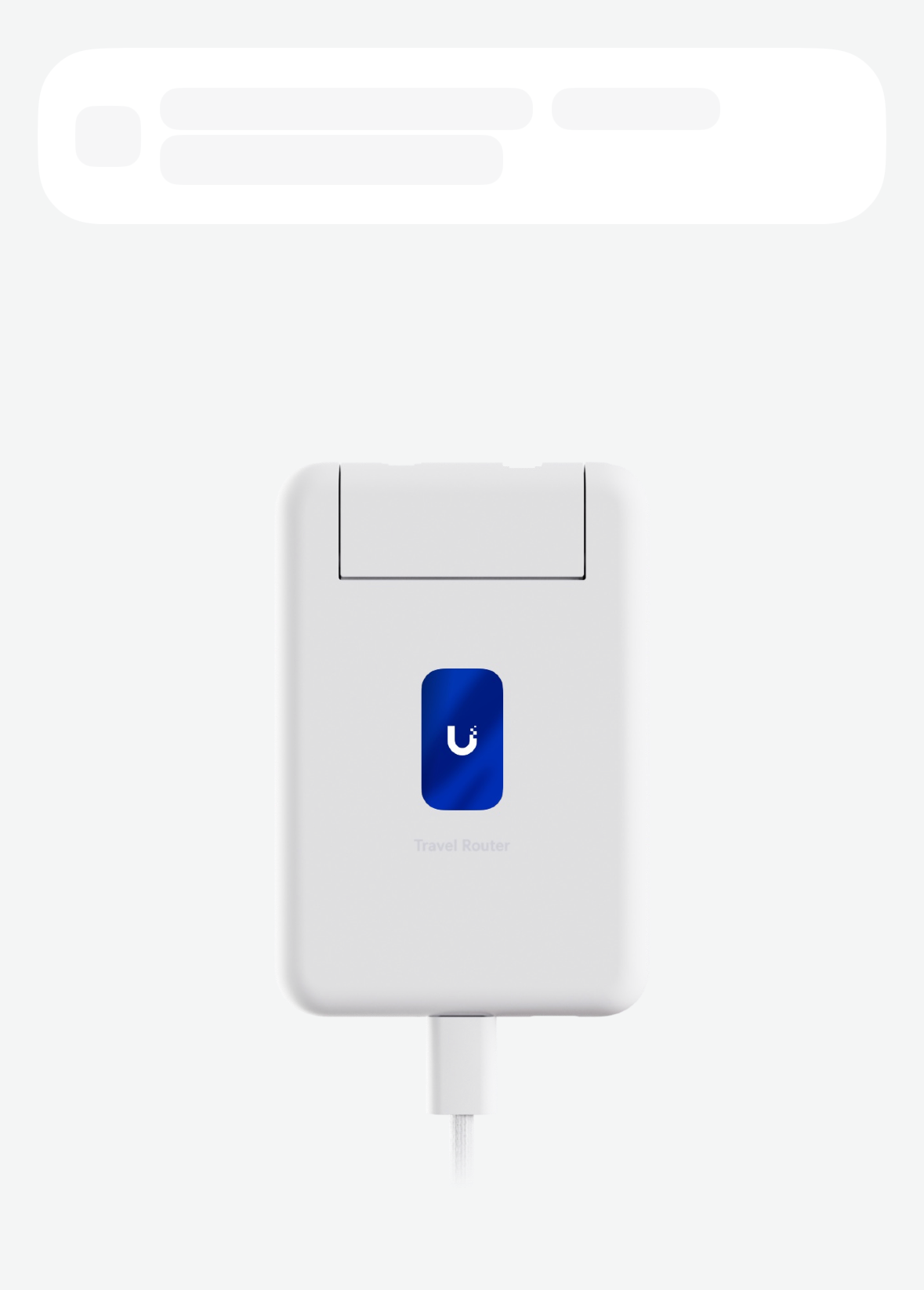
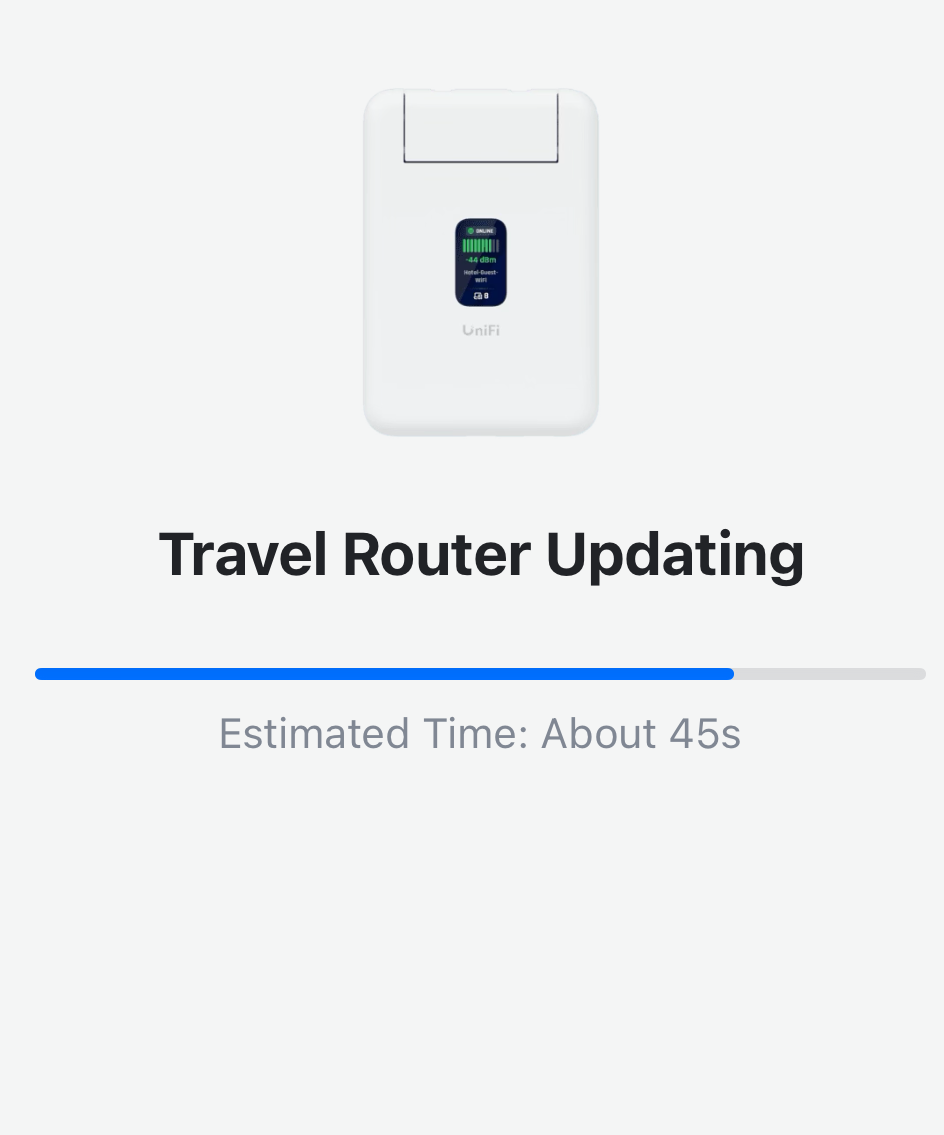
Setting up the UTR was straightforward. I powered it on via USB-C, and it takes about 1 to 2 minutes to boot up. Once it's up, it shows up in the UniFi app on my phone. From there, you select an uplink, which can be a mobile hotspot, an existing SSID (even behind a captive portal), or the WAN port. Once it connects to the Internet, you update the firmware if needed, and then it prompts you to associate it with a gateway. Since I don't have one, I selected manual configuration and created an SSID with a password.
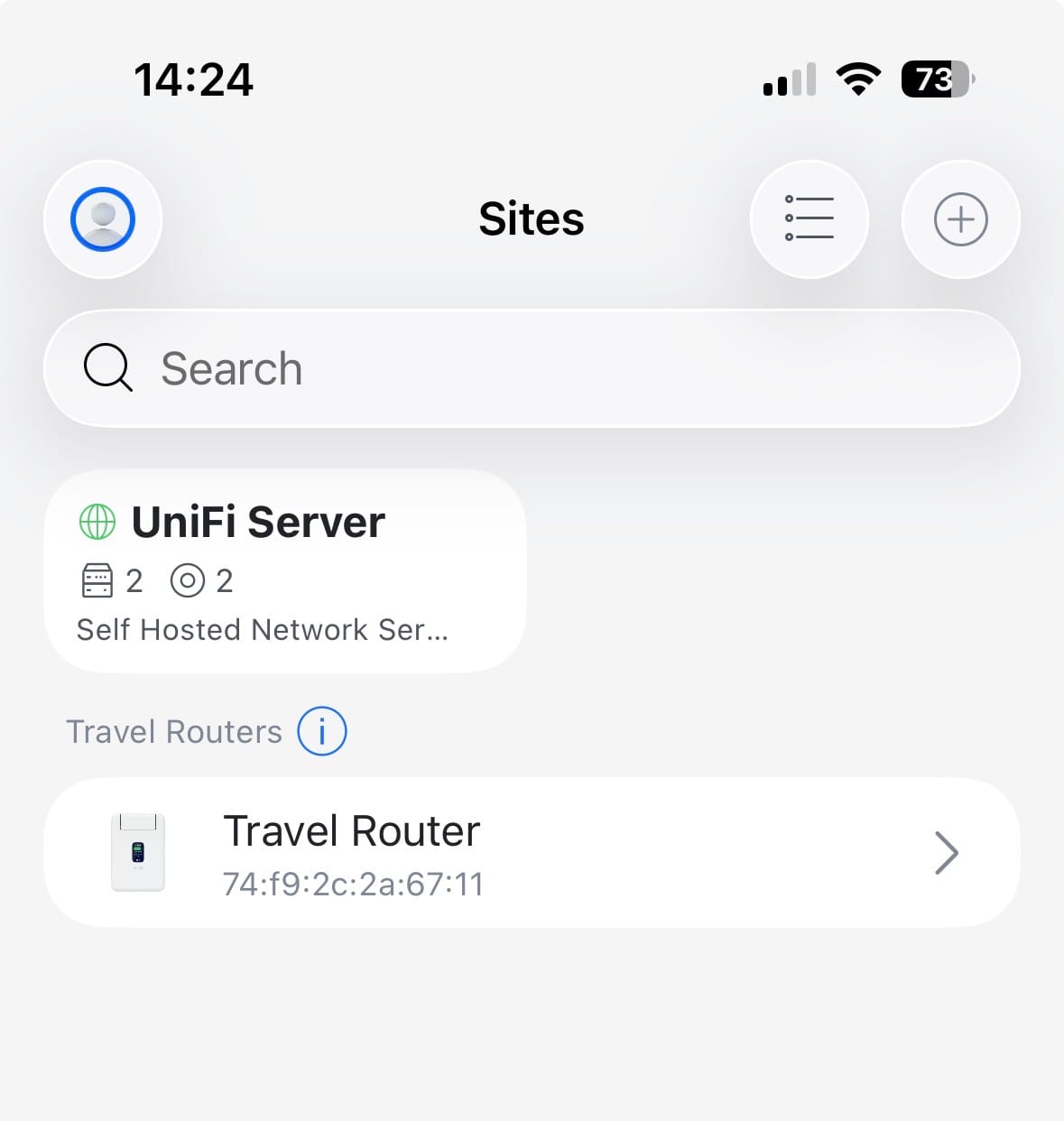
One thing worth noting is that the UTR does not show up in your regular UniFi console alongside your other devices. Instead, it appears in the Site Manager as its own separate entry, as you can see in the screenshot below. So if you are expecting to manage it from the same place as your switches and access points, that is not how it works. It sits outside your main UniFi network and is managed independently.
WireGuard VPN Setup
Since I don't have a Cloud Gateway, I can't use Teleport, so I had to use WireGuard instead. A Cloud Gateway is a UniFi device that acts as your router and firewall, and Teleport is UniFi's own VPN solution that comes built into it.
I already run WireGuard on a MikroTik router as a backup VPN alongside my Palo Alto GlobalProtect setup. I've covered how to set that up in a previous post, so feel free to check it out. Setting up WireGuard on the UTR was simple. You just fill in the details, or you can either scan the QR code or upload the config file directly.
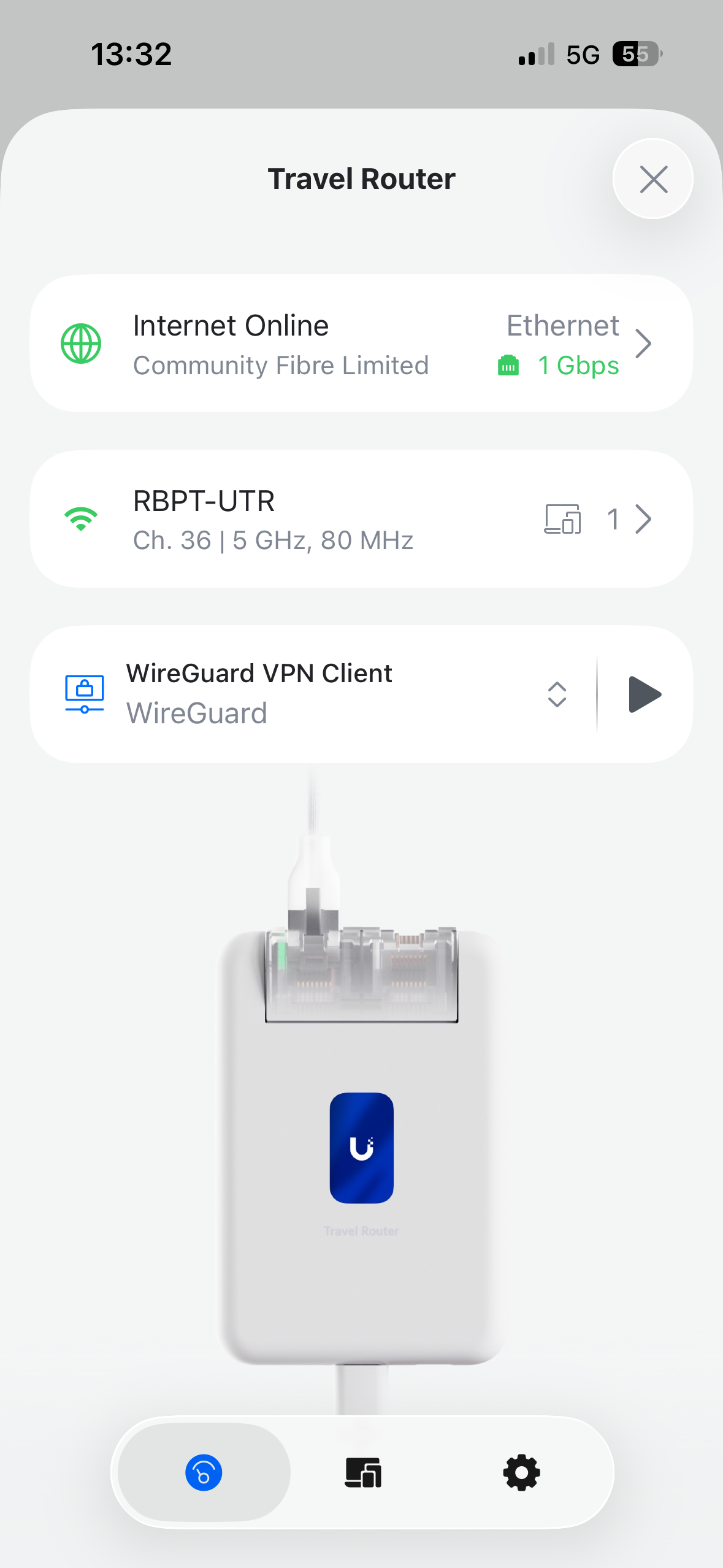
Once everything was set up, I wanted to put it to the test. I connected the WAN uplink to my mobile hotspot, connected my laptop to the UTR's SSID, and enabled the WireGuard VPN using the button in the app. It worked pretty well overall, though when I tested it multiple times repeatedly, it sometimes failed to connect or took a while. I'll test this more thoroughly and update this post if I find anything worth noting.
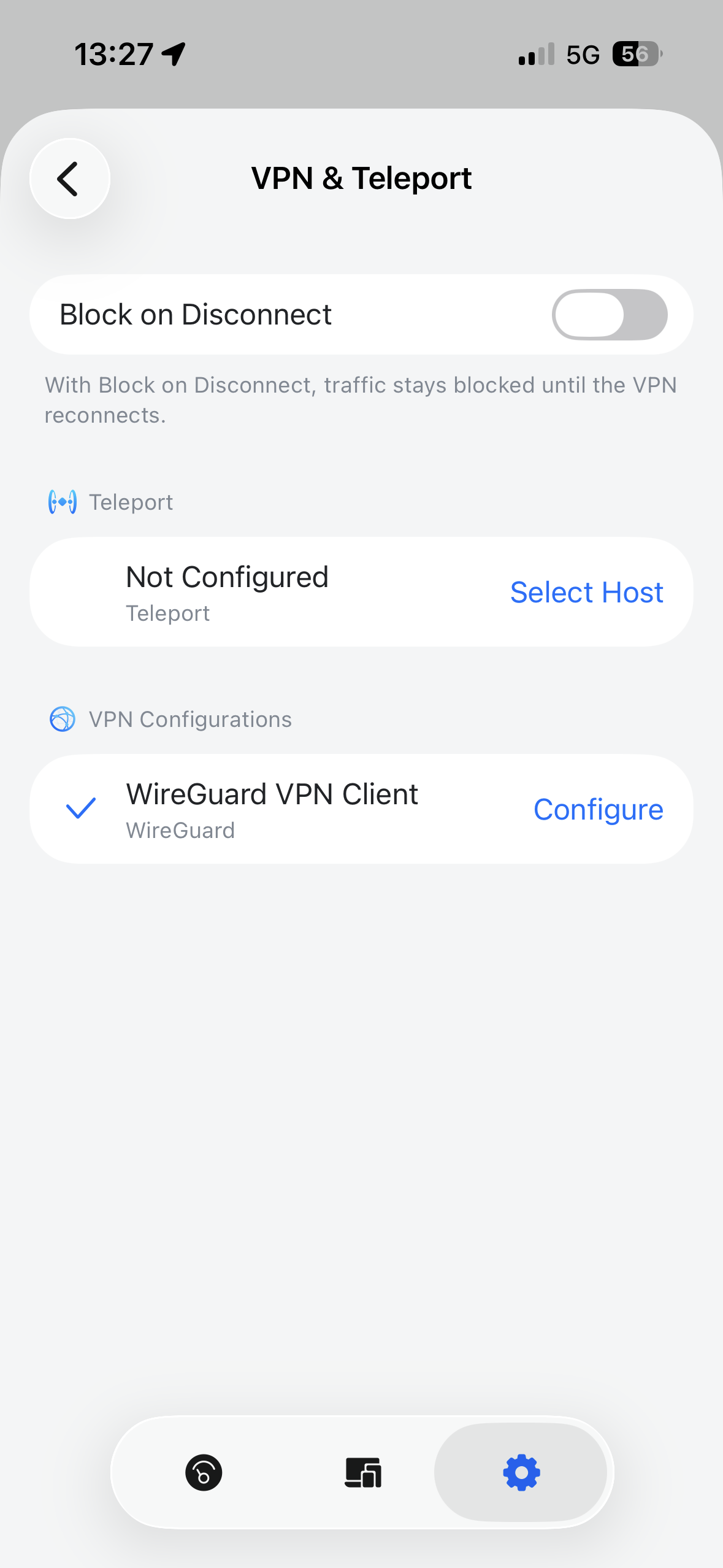
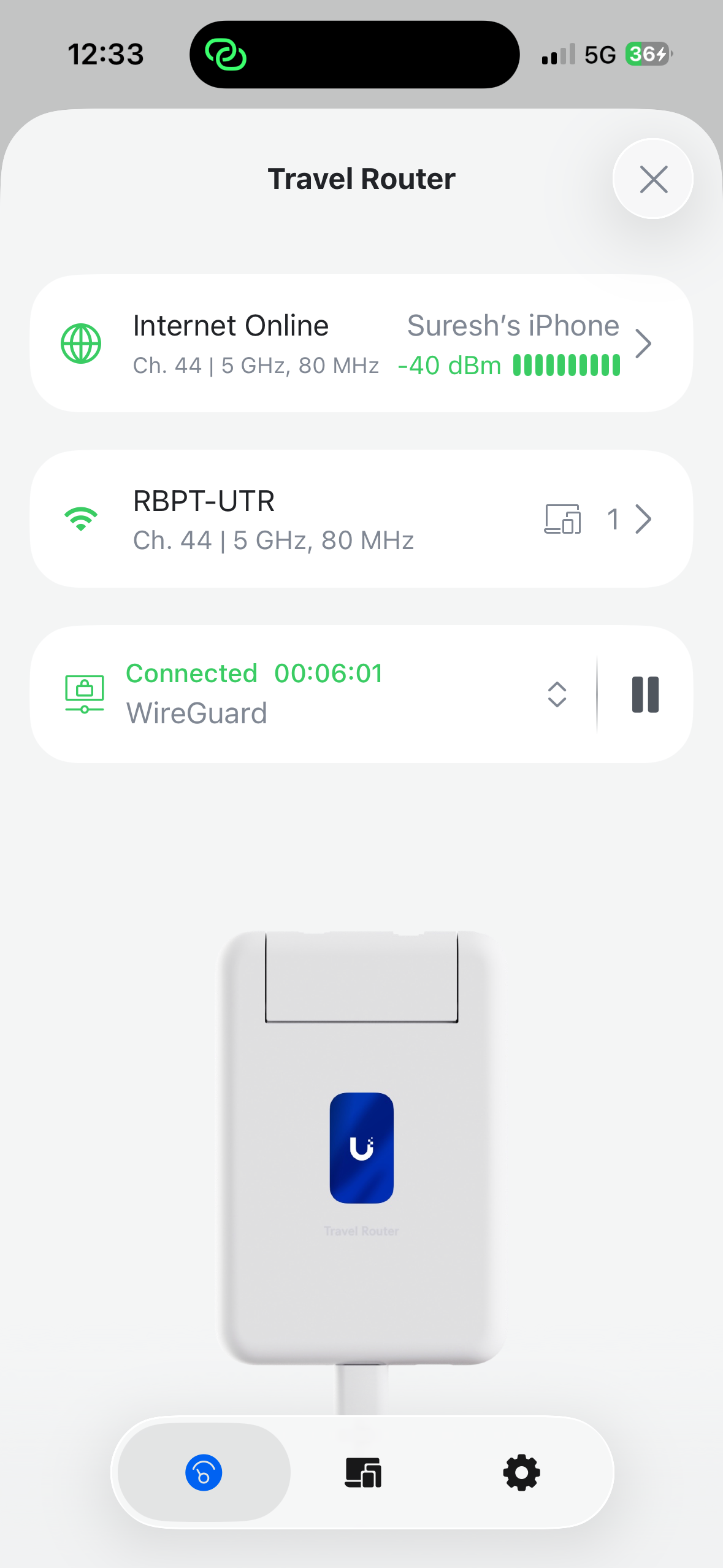
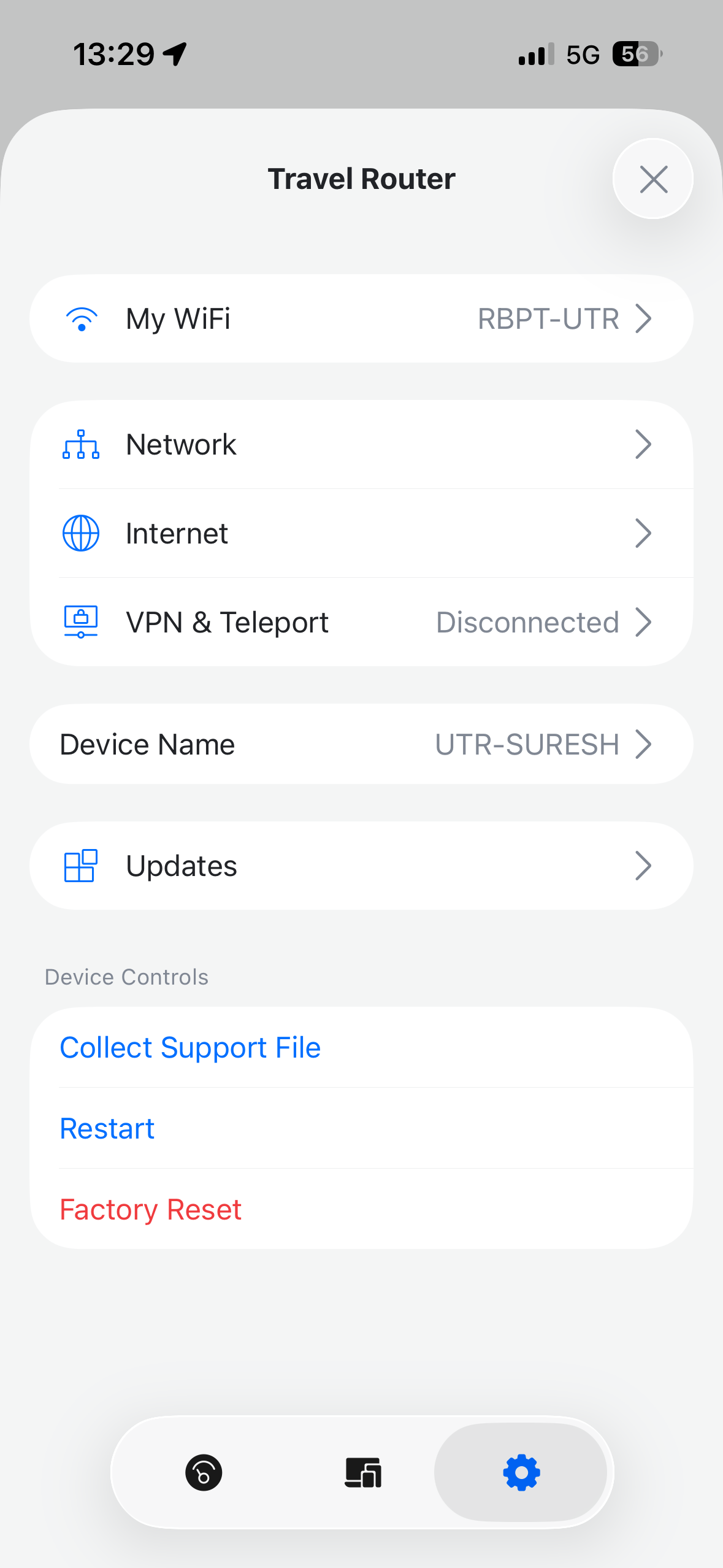
wireguard vpn
Speed Test
I connected my home Internet (2.5Gb/s symmetric fibre connection) to the UTR's WAN port, then connected my laptop/iPhone to its SSID and disabled WireGuard initially for the test.
- Over Wi-Fi, I was getting around 150 Mbps download and 220 Mbps upload to my laptop.
- When I repeated the test using the LAN port, I got around 250 Mbps download and 270 Mbps upload to my laptop.
- I repeated the test on my iPhone and was getting around 300 Mb/s upload and download.
- With Wireguard VPN turned on, I was getting around 100 Mb/s.
- In the screenshot below with speed tests, the ones with around 100 Mb/s were the ones with Wireguard VPN turned on.
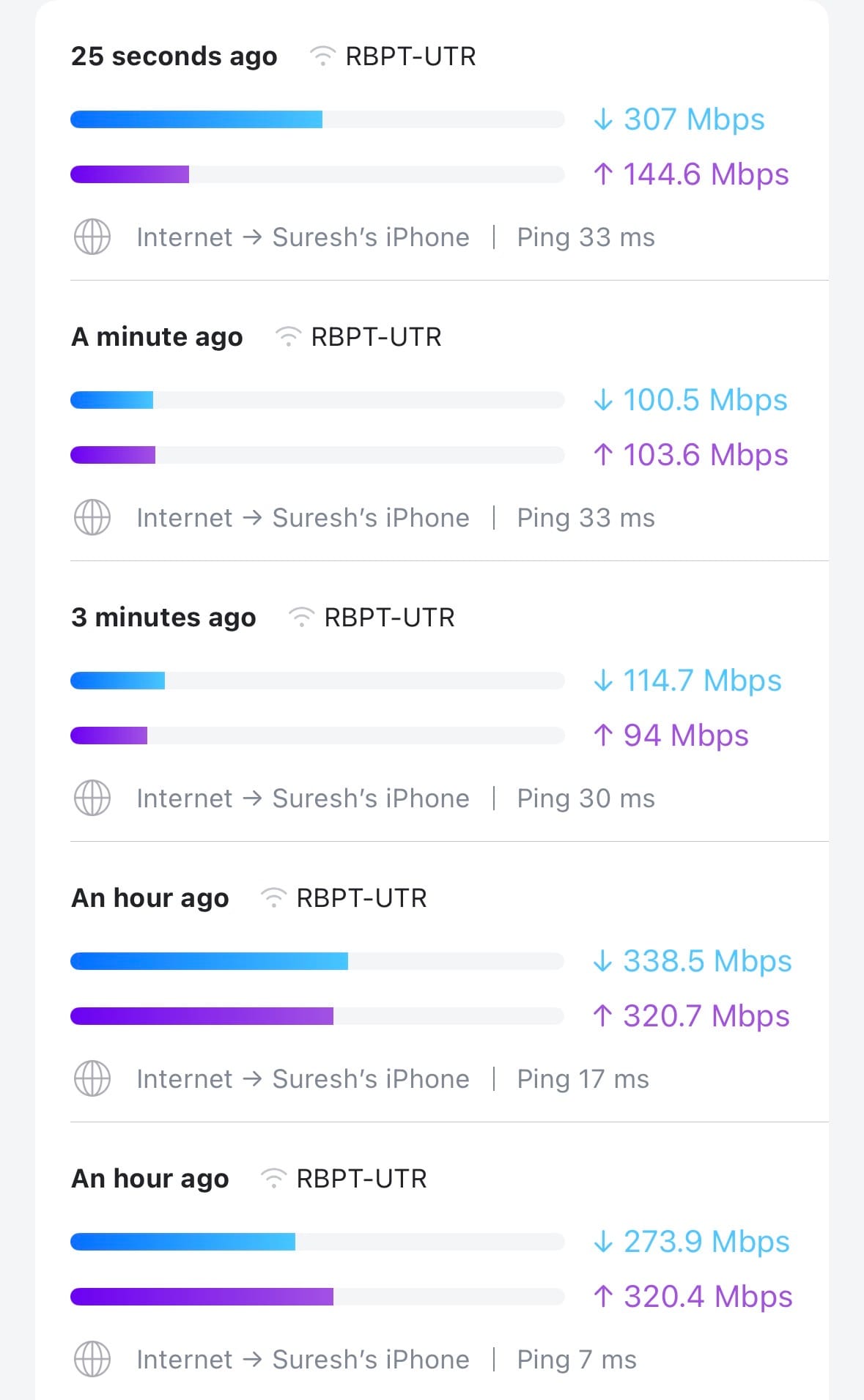
utr speed test
Some Good Use Cases
As I mentioned at the start, I don't really have a strong use case for it. When I travel, I take my phone, laptop, and iPad, and they all have VPN clients if I need to connect back home. I also don't mind connecting them individually to the hotel Wi-Fi, and my family feel the same way about their own devices.
- Where I think it really shines is when you bring IoT devices with you, like a camera, Apple TV, or Fire TV stick. These devices don't have VPN clients, and connecting them to a new network every time is a pain. With the UTR, they just connect to the familiar SSID automatically.
- It also comes in handy when a hotel or network limits the number of devices that can connect. Instead of registering each device individually, you connect the UTR, and all your devices sit behind it as a single connection. The same applies to in-flight Wi-Fi, where you typically pay per device. With the UTR, you only pay once, and all your devices share that single connection.
- Another use case worth mentioning is using the UTR to get a wired Ethernet connection from your mobile hotspot. If your home Internet goes down, you can connect your phone to the UTR via hotspot, then run an Ethernet cable from the UTR's LAN port to your gateway. That way, all your home devices get Internet through your mobile connection without changing anything on your network.
- Another use case is when you need to connect a device to your home network over VPN, but can't install a VPN client on it. You can just connect it to the UTR instead and let the UTR handle the VPN. Again, the UTR is not the only device that can do this, but it is a neat option to have.
A Few Things to Note
The UTR has two USB-C ports, one for power and one for tethering. You can power it from your phone, but if you do that, you can't use USB tethering at the same time since both functions use separate ports. To use USB tethering, you need a separate power source for the UTR and then connect your phone to the tethering port (this will also charge the phone). In my testing, though, USB tethering was quite unstable and kept disconnecting.
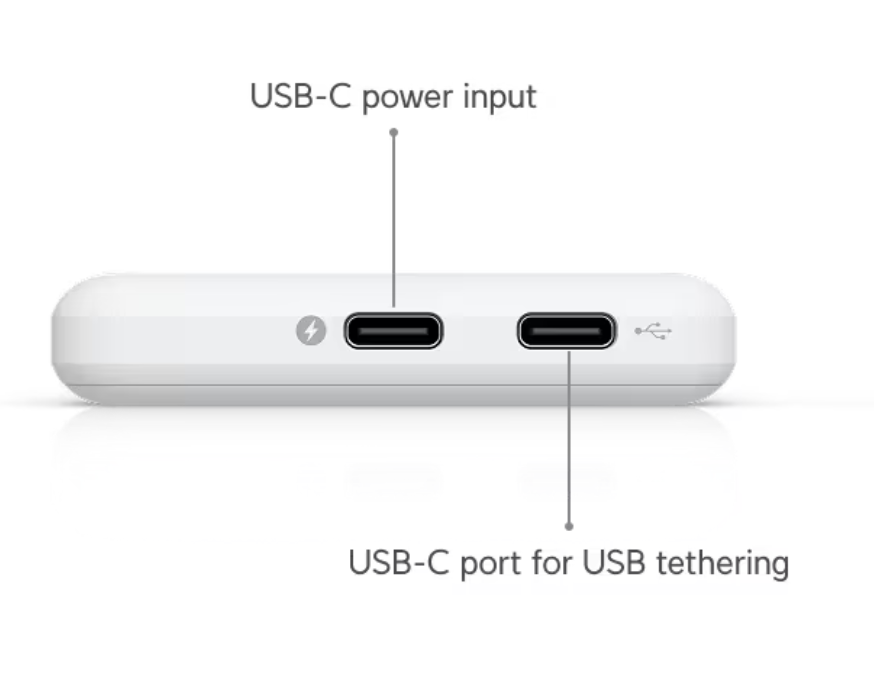
- If you connect an external power source to the power port and your phone to the tethering port, USB tethering works and your phone charges at the same time.
- If you connect your phone to the power port, it will power the UTR, but USB tethering won't work.
You can also only create a single SSID on the UTR, and there is no option to hide it either.
Verdict
For approx £80, it is a solid little device. Given the price, size, and power consumption, there is not much to complain about. Yes, it does not have Wi-Fi 6, but for something this small, Wi-Fi 5 is fine. If they added a battery, a SIM card slot, and Wi-Fi 6, it would end up being bulkier and more expensive, and we would probably still find something to complain about.